1.0 Deployment Workflows
The workflow is the method you use over and over again to deploy your applications and how to back them up via backupfriends 👥 ;) In this book we describe the different workflows that are possible. This does not include backups which you can find at the Backup Solutions book
- 01. What is an App Deployment Workflow ?
- 02. Open Source Apps where to find them ?
- 03. Join Community Channels and Forums
- 4. Docker VM on top of Proxmox Workflow
- 5. Bare Metal TrueNas Workflow
- 6. Home Assistant OS Workflow
- 5. Yunohost Workflow
- 6. Umbrel Workflow
- 7. CasOS Workflow
- 8. ZimaOS Workflow
- 9. LXC Container Workflow
01. What is an App Deployment Workflow ?
What this is not: Workflow is often associated with teams building and deploying applications. Yes, there are enough open source work flows for this. However, here we literally define how to deploy existing open source apps on your own hardware that other people have created and maintain.
After self hosting for some time I tried many different approaches on what would be the easiest, the most efficient way to deploy all the open source applications that exist. All of them have there pros and cons and in the end you need to choose what works best for you. However, at some time you converge to one method that suits you best through the things you have tried out.
With such a workflow each time a new application comes along that you hear about or discovered then you know exactly what to do. With this I mean how to deploy it, how to give it a domain name, to make it part of your backup strategy and more. This makes things systematic and will provide you with the least amount of headache. Don't get me wrong you can try out new workflows due to the flexibility of virtualization, but sticking to one offers great systematic benefits.
On the application layer, there are just so many apps that basically do the same thing just in a different way and it simply takes time to figure out which ones you like the most. In this Bookstack I want to share my approach, the method for deploying apps that suits my needs and which might give you a starting point of what a workflow could be. Now, it must be said that workflows depend heavily on the hardware you have accessible to you. That will basically determine how you organize high availability, redundancy and backups. But don't you worry we will discuss different approaches with 1,2,3 or a higher number of machines available to you.
I will describe on this page in a rough outline what my workflow is and throughout the book I will go into some form of detail in all the parts. So let's go, here is a rough skeleton of how I would deploy a new app on my self hosted server.
DIAGRAM THAT SHOWS THE WORKFLOW WITH DRAW.IO
02. Open Source Apps where to find them ?
Yeah sure open source concept is clear but where do we find all the open source apps ? Where can I find alternatives to Netflix ? Google Photos etc. ? Well there are luckily many sources online that do just that. I will outline a couple of the ones for discovering open source apps but most often you can just use your favorite search engine (that's not Google, Bing etc.) and search for
Open source alternative for X
Alternativeto.net
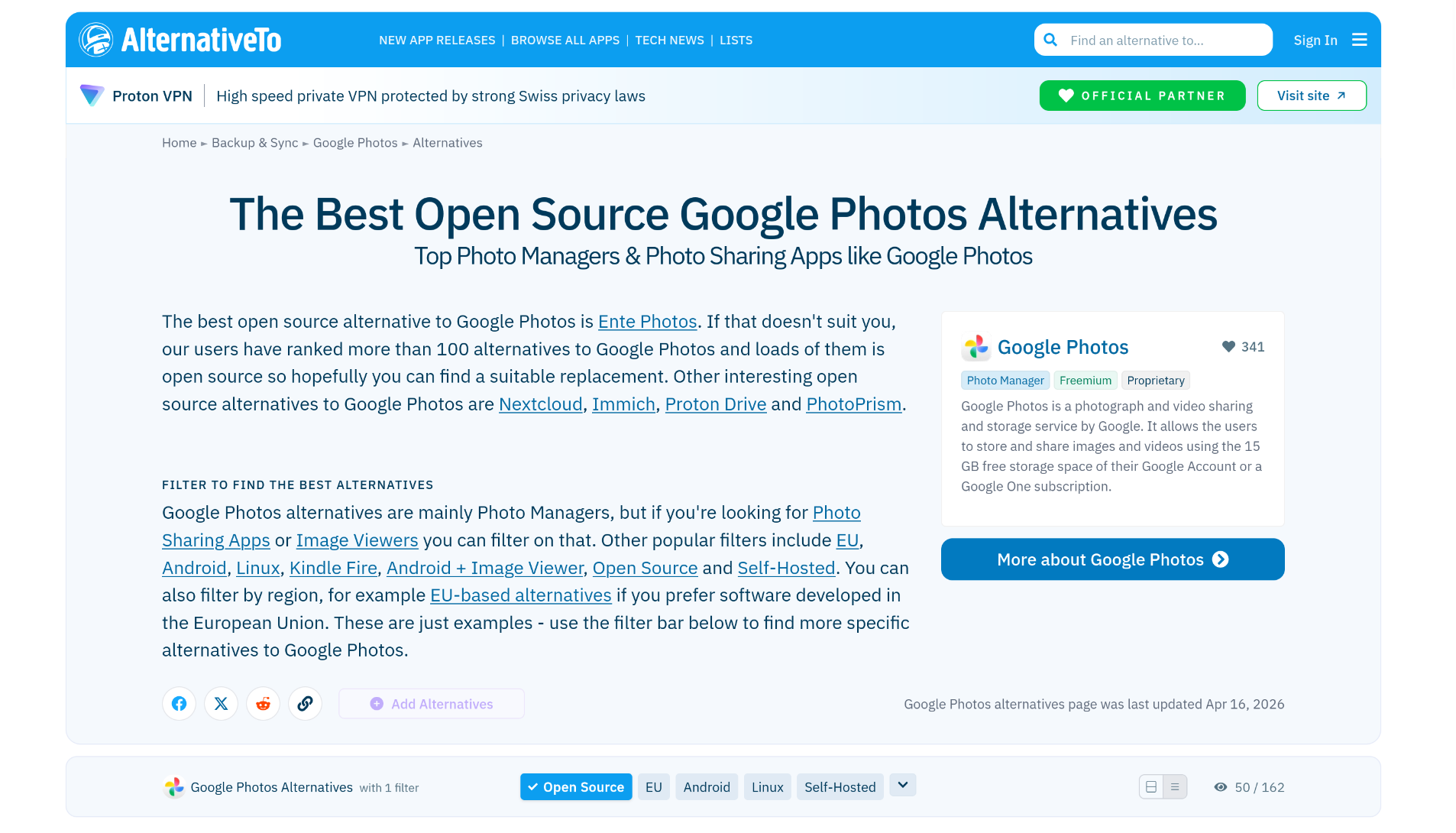
This provides you most often with the website alternativeto.net which is a great resource for alternative applications for any proprietary and open source application. You just need to make sure that it has the tag Free and Open Source tag associated with it. Also on the website itself you can directly search for open source alternatives for an application.
Type in the right top corner the application you want to find an alternative for. This results then all alternatives to that specific app including proprietary ones. However, we only want Open Source and hence you can select the tag Open Source. Then it will display all open source alternatives to the proprietary app in question. For instance we below we searched for open source alternatives to Google Photos.
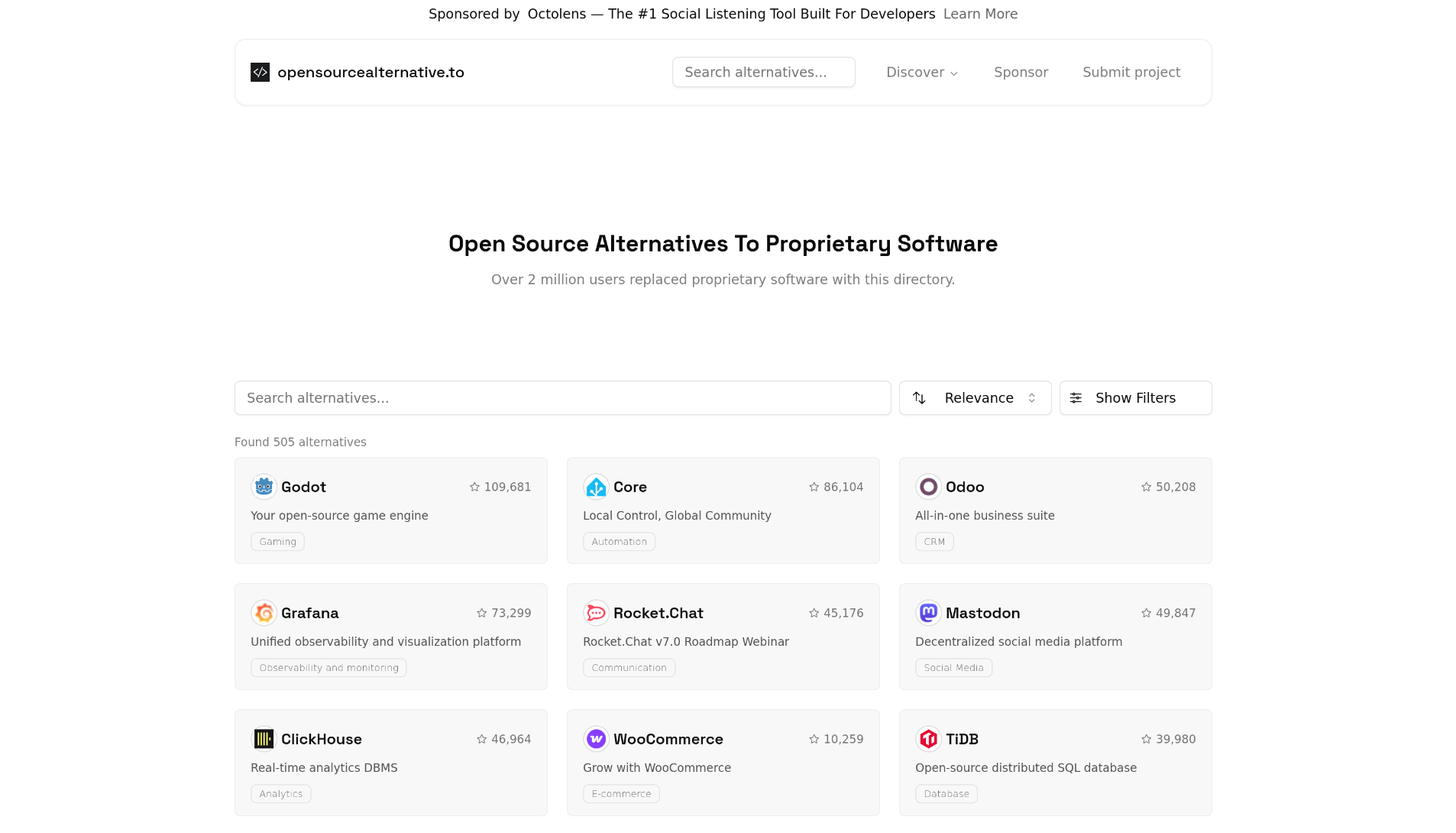
Opensourcealternative.to
Source: opensourcealternative.to
Simply type in the proprietary app and the alternatives will show up. It is also just great to scroll through the apps and discover apps that you did not even know you wanted ;)
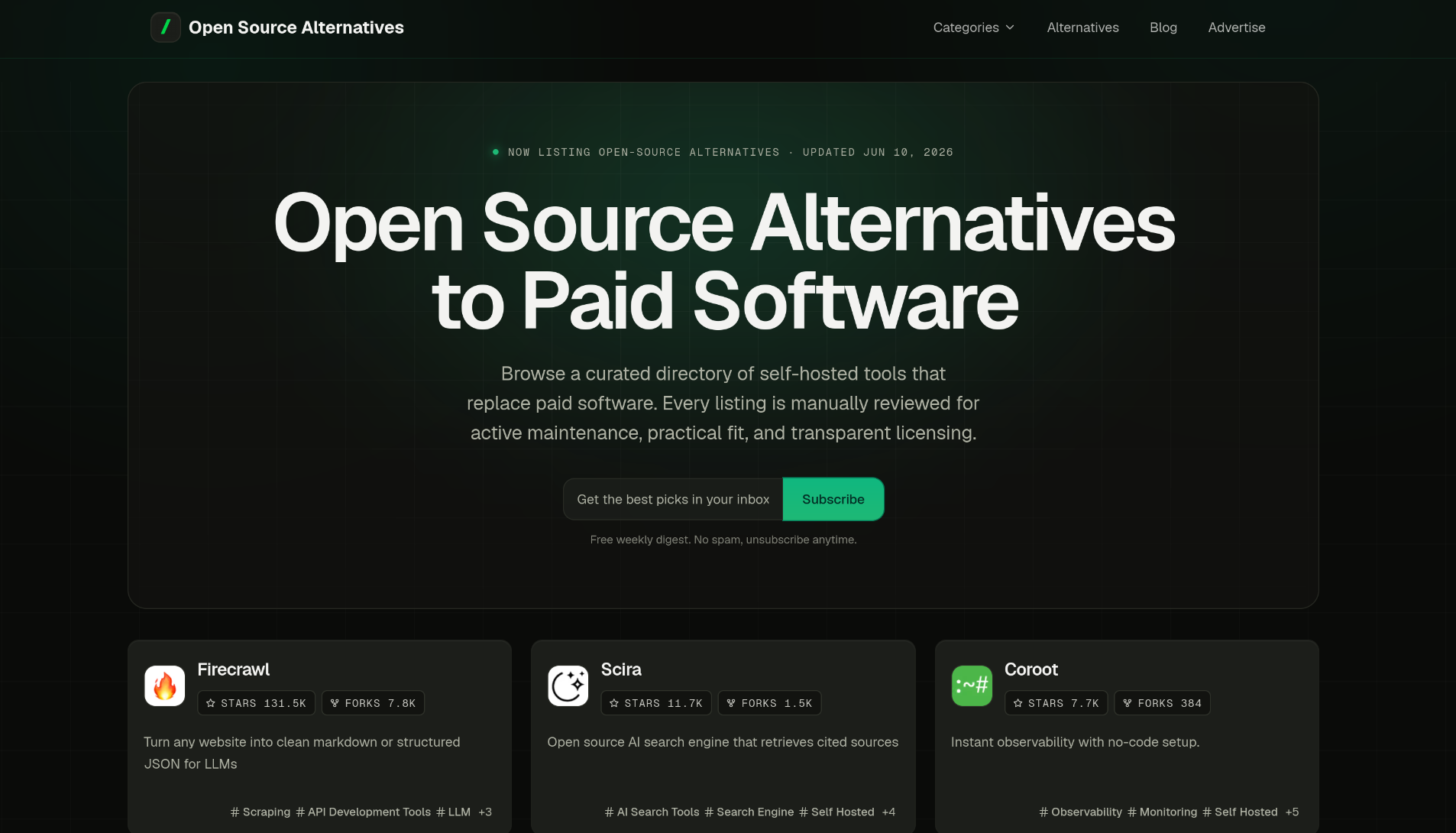
Opensourcealternatives.to
Source: opensourcealternatives.to
The only difference in the domain name is the letter "s" in the end ;) But the idea is quite similar to opensourcealternative.to.
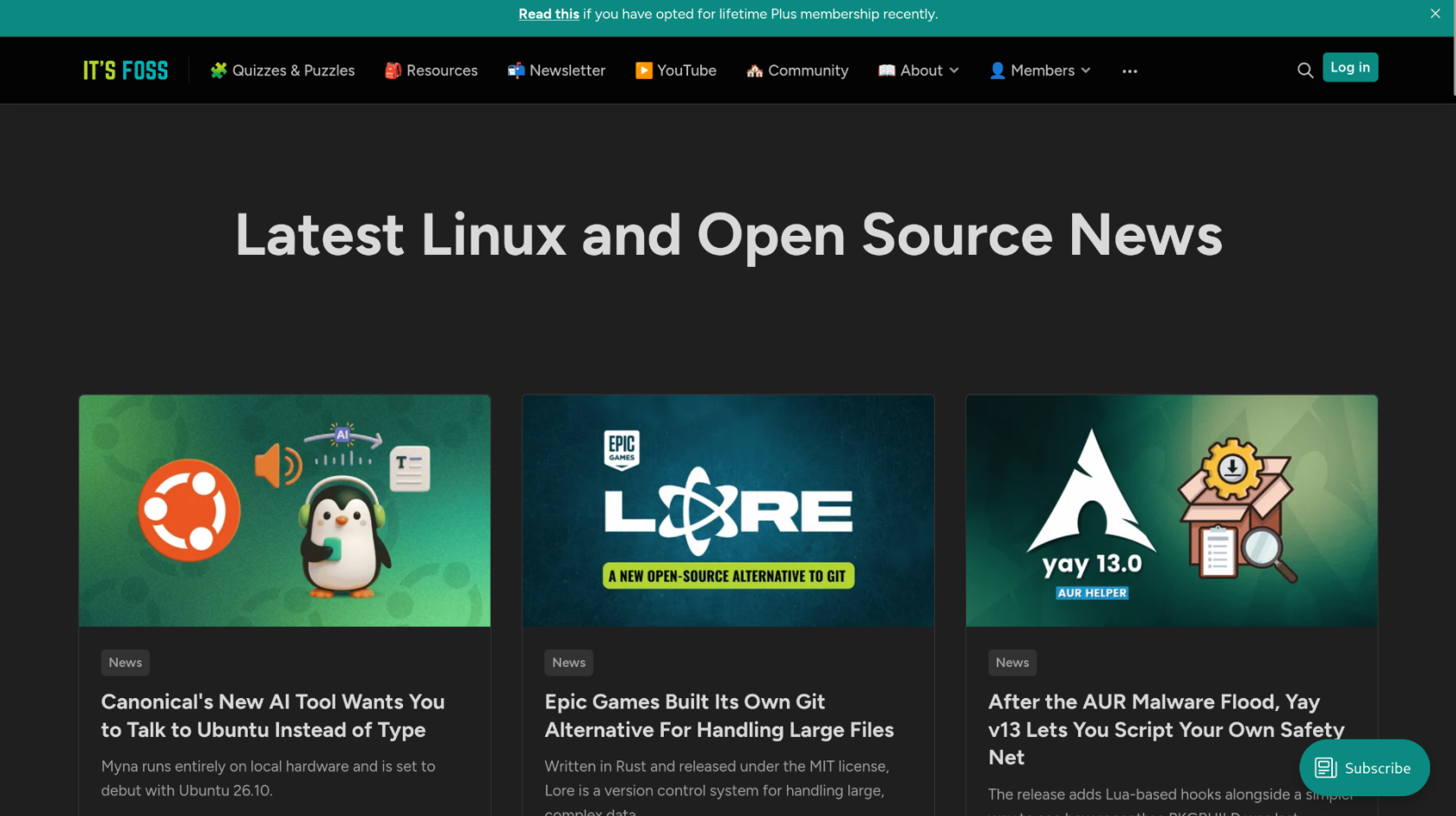
Itsfoss (Blog)
Source: itsfoss.com
This is a blog with the latest open source releases and discussions within the open source industry. It is definitely worth to spend you time here if you are interested in the movement or you simply hit the limit of the open source applications you are already hosting on your server.
Now, this list is by no means complete and there are tons of other sources out there. This is just a sample of the sources that I personally use ;) Now, next to blogs and these search websites there are also Youtube Channels that you can follow. Yes, Youtube ain't open source however sadly enough it is the only place so far to reach the biggest audience and hence people are locked into the platform. We at Deternet however do try to use Peertube for our videos instead of Youtube even though the audience will be way less than it could have been on Youtube.
03. Join Community Channels and Forums
Once, you have found some applications that you like or you have questions for then you can join the forums and channels all of the open source projects have. The great thing is that these open source projects also in turn again use open source blog, forum or channel software ;) Famous projects for this are
- Discourse
- Flarum
- Bettermode
- Talkyard
For lots of projects there are ways to join them by joining there discord channels for instance
or on there message boards like discourse
or on other forums
Do this!\
4. Docker VM on top of Proxmox Workflow
This workflow is the flow that I use for my personal setup. The reason this is my favorite is because I love the simplicity and the universality of docker compose files. Any open source application page has a docker compose file for their application. The reason being since it is standardized. It may look daunting at first to see a YAML file but really there is not so much to it. It will be the same patterns over and over again ;)
Plus what is most amazing is that by using Dockhand I can easily make all my docker containers i.e apps update automatically or receive a notification when a new update is available. In this way I always keep my apps up to date.
Finally it also allows me to see all apps in one dashboard and provide me with the the total resources used for all the applications running in that VM.
Provide me notifications when my resources are almost empty or when something fails.
5. Bare Metal TrueNas Workflow
1. Introduction
Alright the next work flow I would like to discuss is the TrueNas workflow that many people make use of as well. Instead of having a Docker VM on Proxmox with a containerization management software like Dockhand it allows you to deploy applications from a WebGui. However, this is not the main goal of TrueNas. The goal of TrueNas as in their name is to be Network attached storage (NAS). However, they have developed more and more that now also allows you to deploy a TrueNas wrapped application easily from the WebGui. It is great for people that want to deploy basic apps but it is limited to the TrueNas catalogue for easy deployment. Even though you can make your own VM's and containers now as well it is not optimized for it.
6. Home Assistant OS Workflow
5. Yunohost Workflow
6. Umbrel Workflow
The goal of Umbrel is making installing an application so simple as just clicking on install app. Now, this is great since a user now does not need to understand anything of the docker compose configuration to set up an app. However, it does come with some drawbacks of course that need to be discussed.
- First of all you don't have ZFS under the hood. Everything is stored on the same drive
- It does not come with a simple backup solution
- You can only install applications that the Umbrel library provides you with
However, you could solve problems 1 and 2 fairly simple by setting it up as a VM in proxmox. You can just attach a virtual drive to the VM that under the hoods already sits in a zfs pool. Then by using proxmox PBS you can take easy backups from the whole VM.
1. Umbrel VM Installation
Umbrel can be installed both on bare metal as on a VM. However, as mentioned in the introduction we would recommend to store it as a VM on your Proxmox server. In this way you are not limited to the app store of Umbrel, you can use PBS to backup the whole Umbrel VM and you can still create other VM's, Backupfriends etcetera. As usual we always check if a Proxmox helper script is available for the installation to make it as easy as possible ;) And low and behold there is of course and you can find it here !!
Multicast DNS
Now, once Umbrel is installed on your VM you can reach it by using the local dns name http://umbrel.local. Now, why does this work suddenly without a DNS entry on your home network ? Well it makes use of something called Multicast DNS(mDNS). This is quite some awesome technology since it allows non tech users to just plug in the device in their router and it just works !! That is some ease of use over there ;) It is not only Umbrel that makes use of this but many many routers, switches or other IOT devices that make it easy for users to navigate to the dashboard of their device.
Multicast DNS (mDNS) works by allowing devices on a local network to resolve hostnames to IP addresses without needing a dedicated DNS server. It sends multicast queries to all devices in the network, and the device that owns the hostname responds with its IP address, allowing all devices to update their mDNS caches
Now, unfortunately this only works.