# 28. Video Editing Software
# 1. Kdenlive
# 2. Compresso
Source: [Website](https://compresso.codeforreal.com/)
If the raw videos are large or the final video you have created with a video editing platform then you can use compressing software to reduce the size of the file(s). Compresso is an example of such a compressions software that is open source and works completely offline and locally.
# 1. Installation
[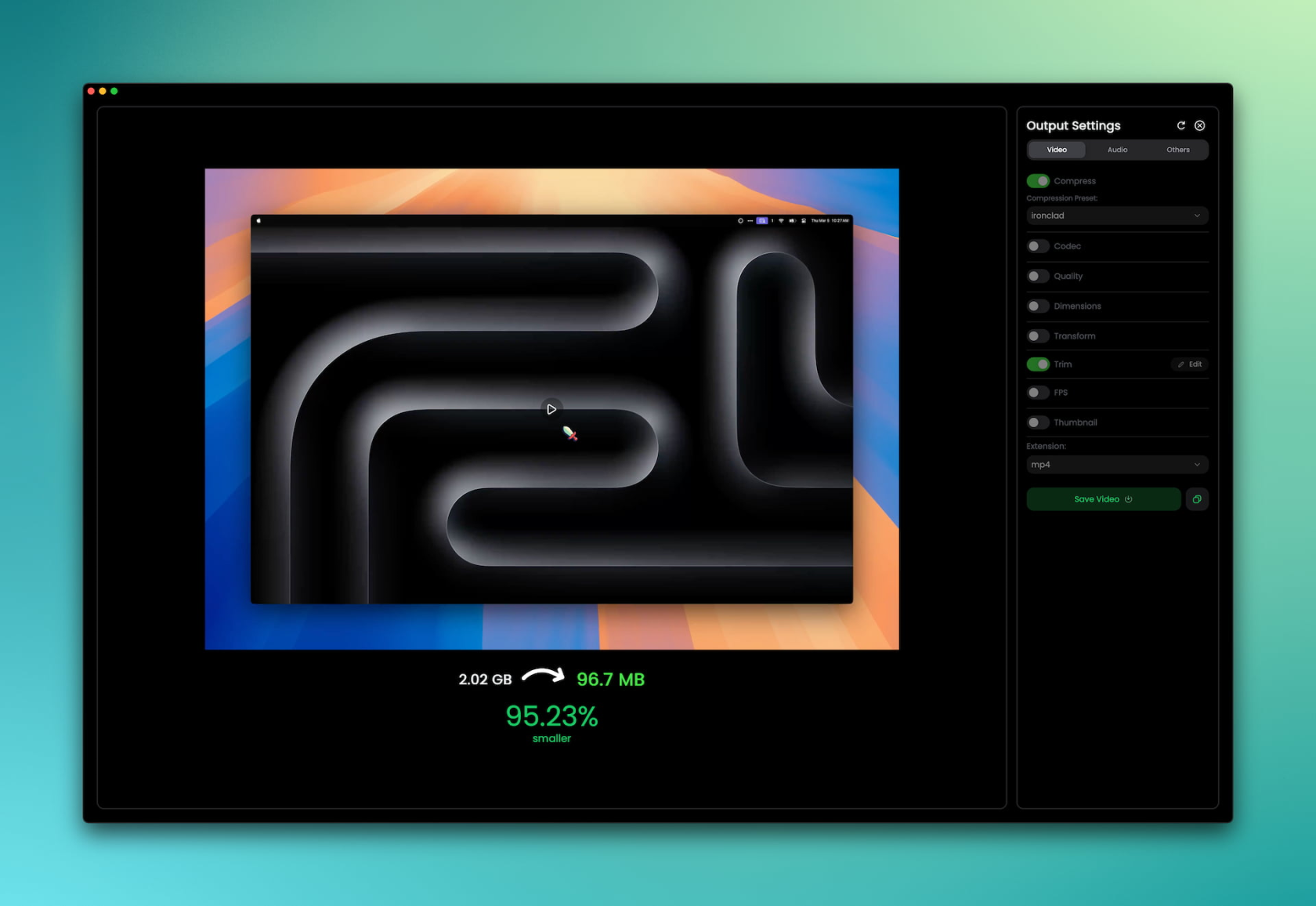](https://docs.rfeyn.org/uploads/images/gallery/2026-09/1pWJpJiIseOcm0MK-image.png)You can install this software by going to their [Github](https://github.com/codeforreal1/compressO) page or [Website](https://compresso.codeforreal.com/#downloads) and download it for your environment. It is quite straight forward and simple to install. Especially if you are running debian on your machine then you can just download the .deb file ;)
Once, installed you simply select the file you want to compress -> choose the qualities you want to keep -> then simply hit compress and it all happens on the background for you.
For more information on details I would simply refer to their documentation page.
Cheers!!