1. OpenWebui
Installation
According to the official installation page of OpenWebUI you can install it with
Then simply deploy the stack with docker compose up -d or with Dockhand by simply clicking on Deploy stack ;) !! Then if it is all green lights you will be able to access it either on the URL you sepcified in the .env file or on http://DOCKERVM-IP:PORT. You will then be presented with this interesting screen ;)

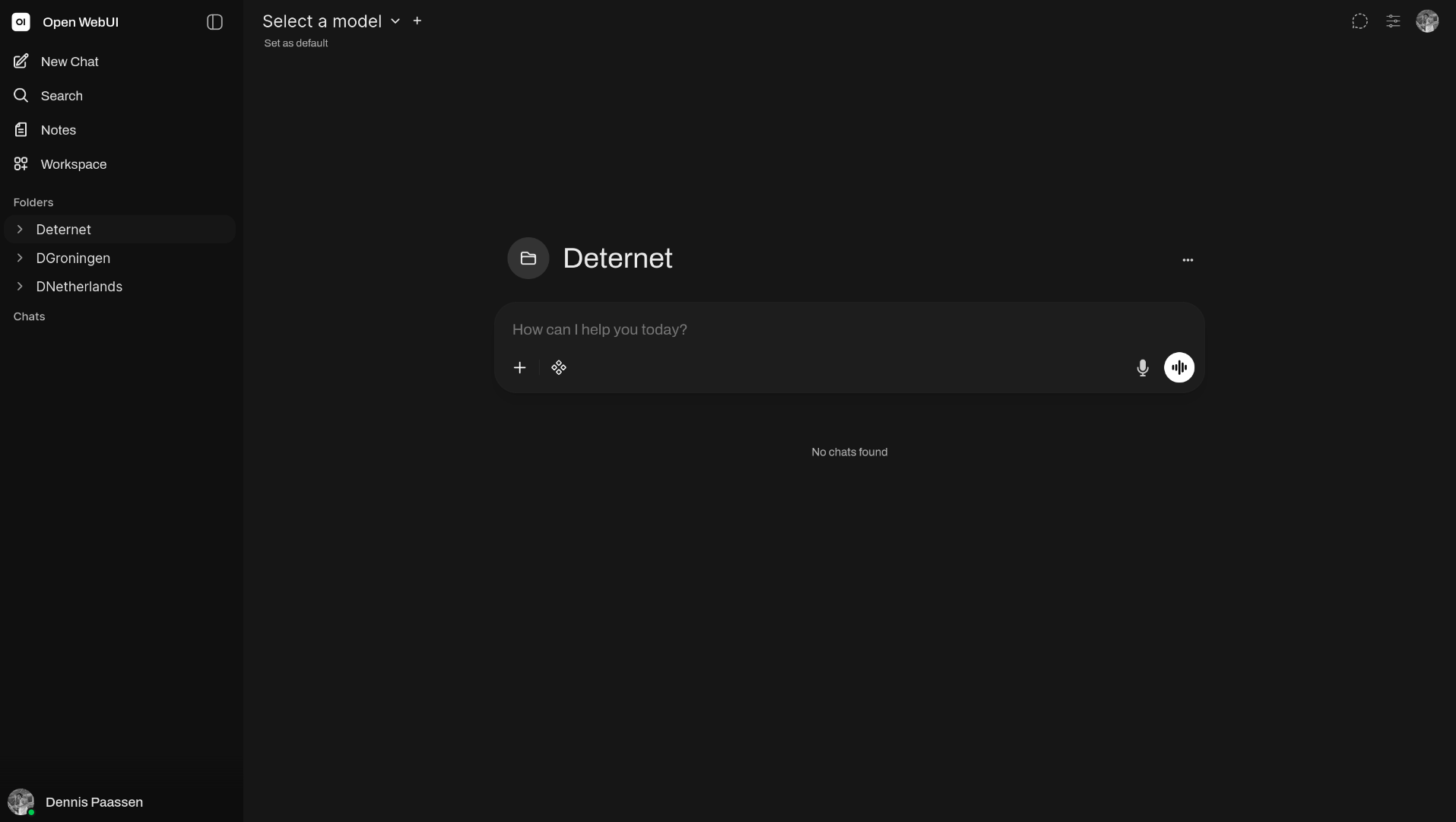
Then simply create your admin account and save it in your Vaultwarden account. You will then be brought to your OpenWebUI dashboard. Note! There is no model configured yet, so that's what we will do in the next step.